As I progress on this project, I thought I would post info on how I achieved my results. Basic way to get a Houdini Terrain as a height map to Unity, is to export a height map and import. It basically goes Houdini to Photoshop to Unity. Starting with Houdini, I just created a basic Terrain:Mountain using the Terrain shelf tools. I adjusted the tube size to make it a bit smaller.
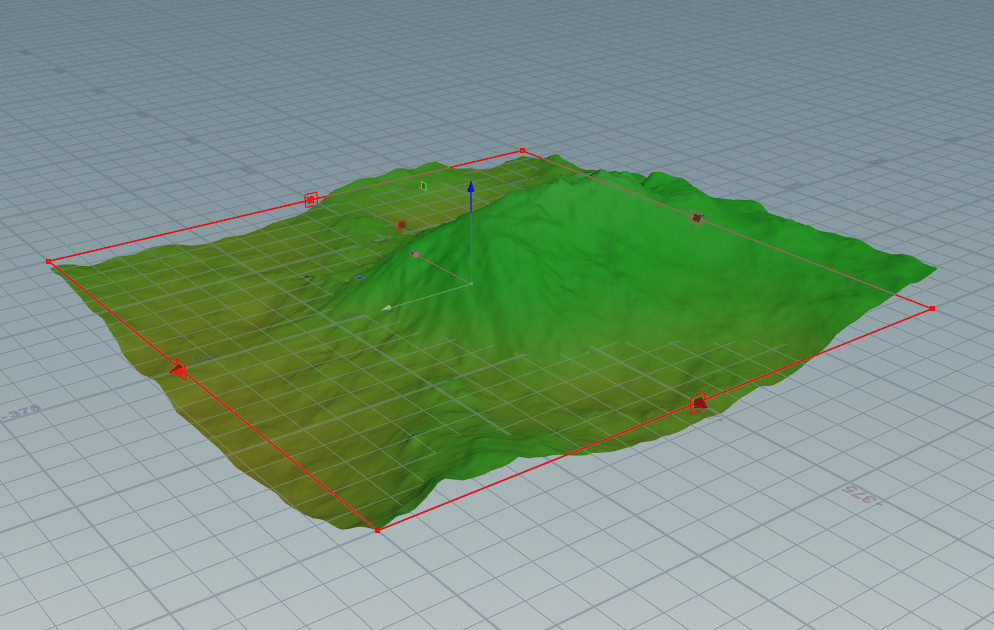
Very simple mountain, no parameters have been changed or features have been added. That is going to be a later posting. Take notice of the following settings. The Size is 500 x 500. This is important since we want to match the size in Unity.

Using the Game Development Toolset from SideFx, I placed a GameDev Terrain Texture ROP at the end of my node network. This has all the settings for export texture maps.

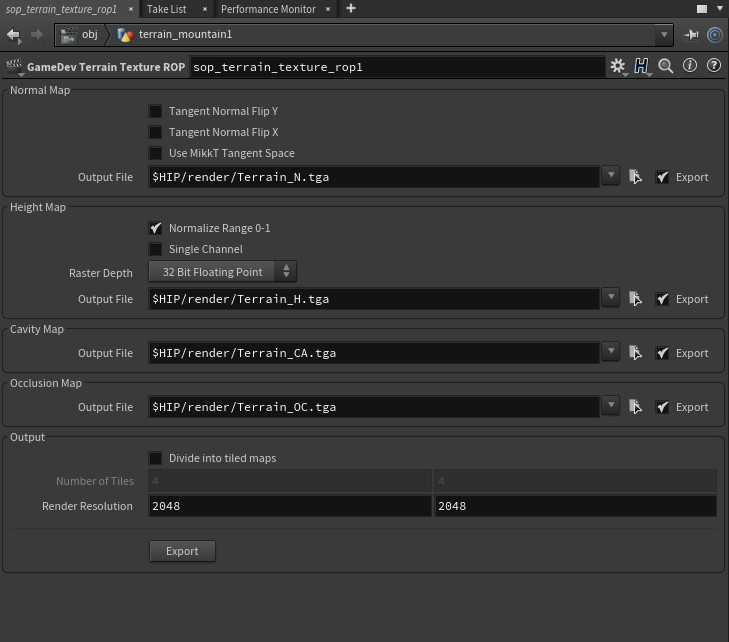
For my settings I am only worried about the Height Map right now. Unity likes a Single Channel, Raw format height map.

This is what the map looks like in Photoshop with Normalize Range 0-1 checked.
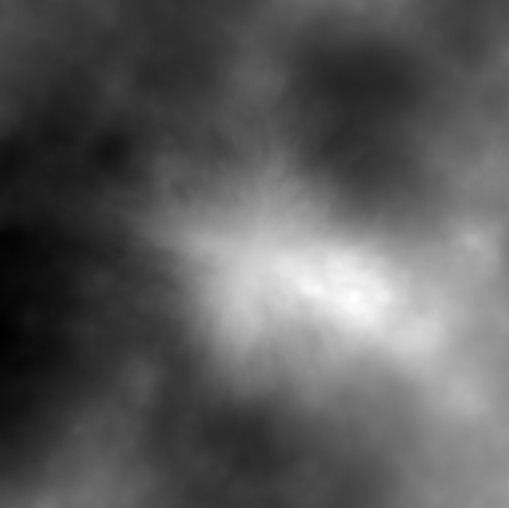
When opening the height map in photoshop, there are a couple things you have to do before exporting. Change the Image->Mode>Grayscale, Discard changes and change it to 16Bits/Channel. Once that is complete, I exported the texture map as a Photoshop Raw format.
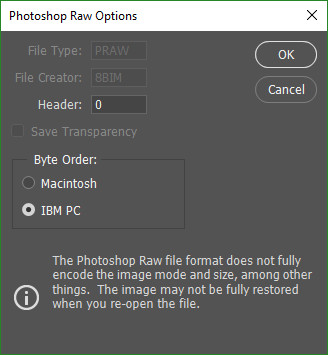
My settings for Photoshop Raw Options. I changed the Byte Order to IBM PC.
In Unity I created a Terrain with the same settings as I had in Houdini. 500 x 500 with a height of 50. Height can be changed later on after the map has been imported.

Now it is time to import the heightmap. Making sure the Byte Order is Windows, our Width and Height match our export. I did change it from 2k to 1k for test purposes. As you can see the terrain size is 500 x 500. I checked Flip Vertically to get the correct orientation of the height map. Then click Import when everything looks correct.

Resulting Unity Terrain with added texture. I also changed the height of the terrain to 100 to match the Houdini terrain closely.
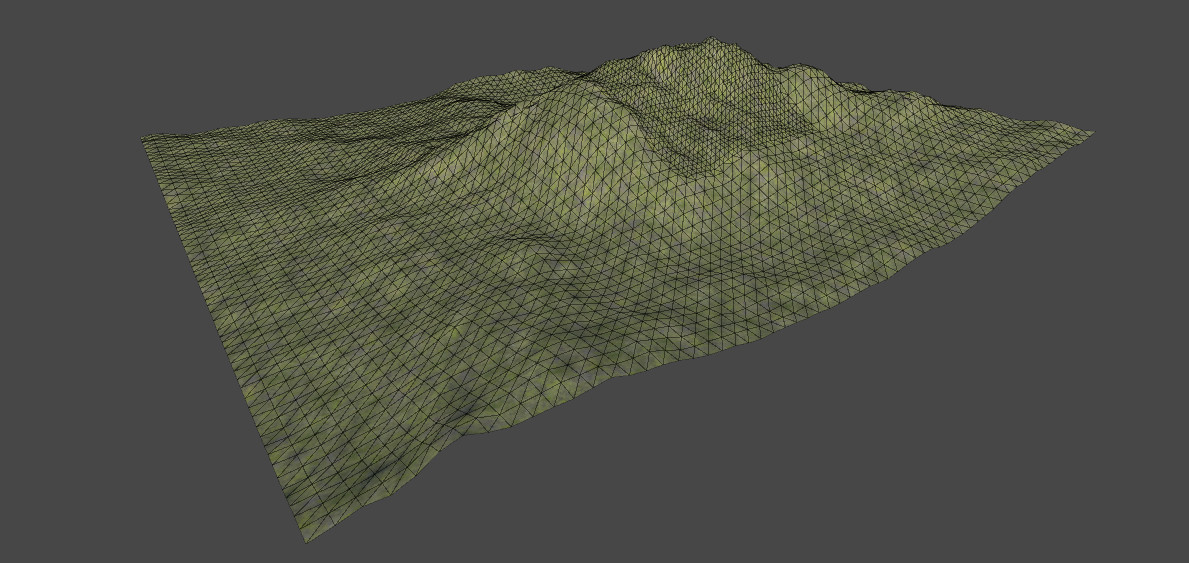
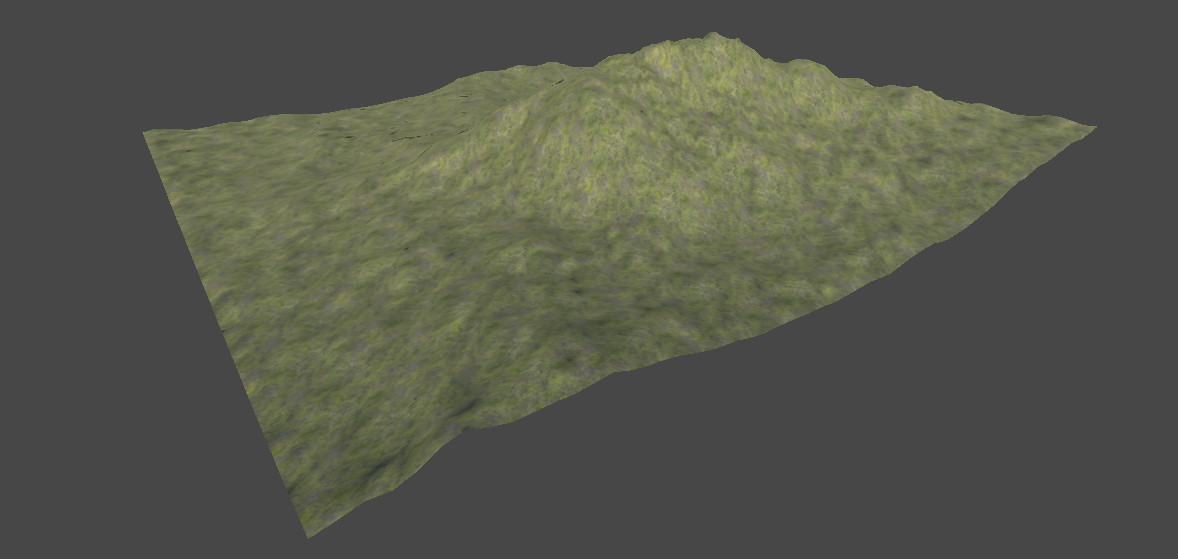
I hope this helps! For more information check out this video from Paul Ambrosiussen on Vimeo - https://vimeo.com/246884463